Frequently asked questions
FAQ
Everything you need to know to get started with Ingeding.
Click «Sign Up» in the top right corner. Choose the «Engineer/Professional» profile and follow the guided process: enter your details, specializations, availability, and compensation preferences. Once your profile is complete, your account is immediately active.
The platform is open to engineers, surveyors, and architects registered with their respective professional bodies, as well as technicians with equivalent skills. If you don't have a VAT number yet, you can still register: the account will be valid for 12 months, after which you'll be asked to provide your VAT number for renewal.
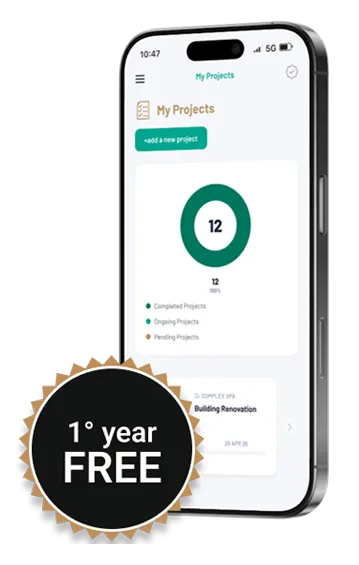
The first year is free. From the second year onwards, an annual fee is charged as indicated on the portal at the time of renewal. There are no automatic renewals — you decide whether to continue.
From the dashboard, access the «My Profile» section. You can add specializations, preferred work mode (on-site, remote, hybrid), time availability, and desired compensation. A complete profile makes you more visible to companies.
In the «Open Projects» section you can browse all assignments published by companies. Use filters for specialization, work mode, and other criteria to find the opportunities best suited to you.
Inside the project detail page you'll find a button to express your interest. The company will receive your application along with your profile data and will contact you directly if the match is positive.
Your dashboard shows profile view statistics and received interactions, so you can gauge how visible you are to companies.
Go to your account «Settings»: you can change your password, manage email notification preferences, and review all your profile data.
In your account «Settings» you'll find the «Delete account» option. Closure is permanent and no refund of the annual fee will be issued for the unused period.
Click «Sign Up» and choose the «Company» profile. Enter your company details, required specializations, and complete the company profile. Once your account is activated you can immediately publish projects and search for professionals.
The first year is free. From the second year onwards, an annual fee applies. There are no per-project costs — with a single subscription you can publish as many projects as you want.
From your dashboard, go to «My Projects» and click «New Project». Enter the title, description, required specializations, work mode, compensation, and deadline. The more detailed the project, the easier it will be to find the right professional.
In the «Find Engineers» section you can search among registered professionals, filtering by specialization, availability, and work mode. You can view profiles and contact whoever interests you directly.
Yes. From the project detail page you can send a direct invitation to a professional already registered on Ingeding. They will receive a notification and can accept or decline the invitation.
The title and general information are visible to everyone. Full project details are accessible only to registered and authenticated users.
No. Ingeding is a matchmaking portal between professional demand and supply. The Company does not evaluate profiles, does not select candidates, and is not party to any agreement between a company and a professional. The choice and negotiation remain entirely between the parties.
From the company dashboard, in the «Company Profile» section, you'll find the «Invite collaborator» function. Enter the email address of the person you want to add: they will receive an invitation link by email. If they are already registered on Ingeding, their account will be linked to your company; otherwise they can complete registration via the received link. The collaborator will have access to manage the company profile and projects.
From the dashboard you can update the company profile, manage published projects, view received applications, and modify notification and security settings.
Didn't find the answer to your question?
contact@ingeding.itLast updated: April 1, 2026